Secure Your WordPress Site by Hiding Plugins & Themes
If you are serious about running a secure WordPress site, you cannot ignore how easy it is for attackers and competitors to fingerprint your setup.
By default, WordPress exposes:
/wp-content//wp-content/plugins//wp-content/themes/
From these URLs alone, anyone can quickly identify which plugins and themes you are using, which versions might be running, and which known vulnerabilities they can try to exploit.
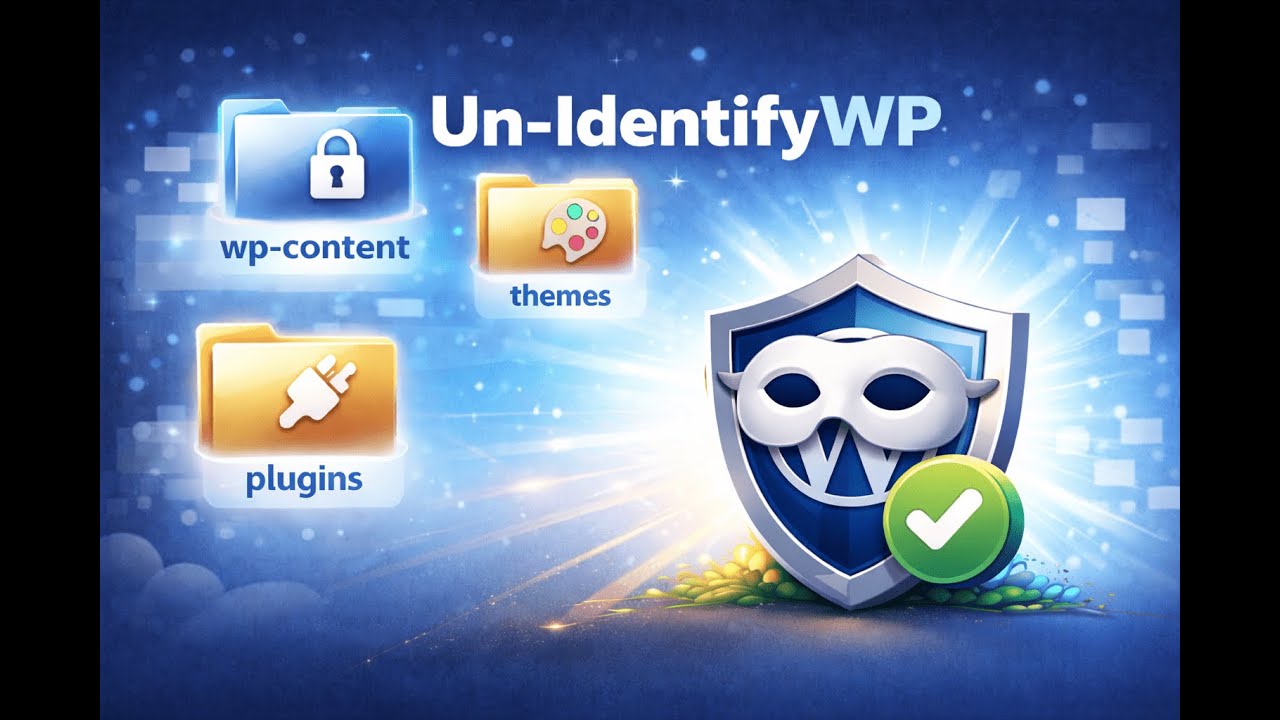
Un-IdentifyWP is a focused WordPress plugin that solves this problem by masking your plugin and theme paths, making your site harder to fingerprint and safer against automated attacks.
What Is Un-IdentifyWP?
Un-IdentifyWP is a WordPress security hardening plugin designed to:
- Change the wp-content folder name
- Change the plugins folder name
- Change the themes folder name
- Optionally generate random strings for active plugins and themes, so URLs look generic and impossible to guess
Under the hood, it uses Apache (.htaccess) and Nginx rules to rewrite paths, so your site continues to function normally while users and bots see clean, masked URLs.
The result:
Your visitors see a working site.
Bots and attackers see nothing useful about your plugins and themes.
Why Hiding Plugins and Themes Improves WordPress Security
Most automated WordPress attacks work like this:
- Scan your site to detect which plugins and themes are installed.
- Match them against a database of known vulnerabilities.
- Automatically run exploits that target those exact versions.
If attackers cannot easily see:
- Which plugins you use
- Which theme you use
- Which versions you are on
it becomes much harder for them to run targeted attacks.
Un-IdentifyWP does not replace firewalls, malware scanners, or backups.
Instead, it adds a strong “security by obscurity” layer, removing the easiest information that attackers rely on.
For many sites, this simple step significantly improves how secure their WordPress site is against opportunistic attacks and automated scanners.
Key Features of Un-IdentifyWP
1. Change the wp-content Folder Name
By default, every WordPress installation exposes /wp-content/.
Un-IdentifyWP allows you to:
- Rename the
wp-contentfolder to a custom path - Update the necessary configuration
- Keep your existing content working without manual changes
This breaks many basic fingerprinting tools that assume default paths.
2. Change the Plugins Folder Name
Attackers love URLs like:
/wp-content/plugins/plugin-name/
Un-IdentifyWP lets you:
- Change the plugins folder name to something non-obvious
- Prevent quick, direct detection of your plugin list
- Make it much harder for “what plugin is this site using” tools to succeed
3. Change the Themes Folder Name
Theme detection is another attack surface.
Un-IdentifyWP:
- Changes the themes folder name
- Prevents scanners from immediately knowing which theme you are using
- Helps you keep your custom or premium theme private
4. Random Strings for Active Plugins and Themes
For maximum protection, Un-IdentifyWP can generate random strings for your active plugins and theme paths.
Example:
Instead of:
/wp-content/plugins/woocommerce//wp-content/themes/astra/
You might serve:
/content-93jf0s/plugins/bd83kfjf//content-93jf0s/themes/aa22mkl9/
This makes it practically impossible to identify your setup by simply viewing the page source.
5. URL Masking with .htaccess & Nginx Rules
Un-IdentifyWP uses server-level rules to:
- Rewrite incoming requests
- Serve assets from masked paths
- Keep your WordPress core, plugins, and themes working as usual
From a security perspective, this is far more robust than just hiding things with JavaScript or CSS.
6. Designed to Be Lightweight and Compatible
Un-IdentifyWP is built to be:
- Lightweight – no heavy scanning or bloated dashboards
- Focused – one clear purpose: hide your WordPress footprint
- Compatible with most themes, plugins, and caching/CDN setups
It is designed as an additional layer on top of your existing security stack (firewall, login protection, backups, malware scanner, etc.).
Who Should Use Un-IdentifyWP?
Un-IdentifyWP is ideal if you:
- Run a client website or agency site and do not want everyone to see which stack you use
- Sell digital products or memberships and want to reduce the risk of targeted exploits
- Operate a popular blog, SaaS, or product site and are often scanned by bots
- Care about keeping a secure WordPress site and want to go beyond basic security
If your site matters to your business, hiding your plugin and theme footprint is a smart, low-effort upgrade.
How Un-IdentifyWP Helps You Secure Your WordPress Site
When someone searches “secure WordPress site”, they usually want to:
- Prevent hacking and malware
- Reduce attack surfaces
- Hide technical details from competitors and attackers
Un-IdentifyWP directly supports those goals by:
- Removing obvious plugin and theme paths from HTML and assets
- Making it significantly harder to run automated vulnerability scans
- Protecting your site from simple “look and exploit” techniques
Combined with a firewall, strong passwords, 2FA, and regular updates, Un-IdentifyWP helps you operate a much more secure WordPress site without changing how you build or manage content.
Getting Started with Un-IdentifyWP
- Install and activate Un-IdentifyWP on your WordPress site.
- Go to the settings page and choose:
- New
wp-contentpath - New plugins folder name
- New themes folder name
- New
- Optionally enable random string mapping for active plugins and themes.
- Save changes and test your site in:
- A logged-out browser
- Incognito mode
- View the page source and asset URLs. You will now see masked paths instead of clear plugin and theme names.
That is all. Your WordPress footprint is now significantly harder to analyze.